
Related Articles






Best Nepali Unicode Tool - Convert Romanized Text to Unicode Instantly | Nepinsights
Best Nepali Unicode Tool - Convert Romanized Text to Unicode Instantly | NepInsights
In the digital age, typing in Nepali has moved beyond traditional fonts. Whether you are a student, a government official, or a content creator, using Nepali Unicode is now a necessity rather than a choice. Unlike traditional fonts like Preeti, Unicode is the global standard that works on every device, from smartphones to high-end laptops.
In this guide, Nepinsights will show you how to use our Unicode Nepali converter and why switching from Preeti to Unicode is the best move for your digital content.
What is Nepali Unicode?
Nepali Unicode is a universal character encoding system. The biggest advantage? It doesn't require the receiver to have a specific font installed. If you type in Unicode, your friend in the USA or a government office in Kathmandu can read it perfectly on any screen.
Why should you use Unicode over Preeti?
-
Universal Compatibility: Works on Facebook, Instagram, and Gmail.
-
SEO Friendly: Search engines like Google can only "read" and index Nepali content if it's in Unicode.
-
Government Standard: Most official portals in Nepal now require Unicode Nepali for form submissions.
How to Convert Preeti to Unicode
If you have an old document written in Preeti font and you need to post it online, follow these steps using our tool:
-
Copy your Preeti text: Highlight the text in your Word document.
-
Paste in the Converter: Use the "Nepali Unicode" tool from below and paste your text.
-
Click Convert: Our tool instantly maps the ASCII characters to the correct Devanagari Unicode symbols.
-
Copy the Result: Your text is now ready for the web!
Nepali Unicode Tool
Convert your Romanized Nepali text to Nepali Unicode from below:
Common Issues with Nepali Typing & How to Fix Them
Many users face issues when using a Unicode Nepali converter. Here are the most common solutions:
1. Half Letters Problems
If your characters are breaking, it usually means the software you are pasting into doesn't support complex scripts. Ensure your "Halkar" or "Adha-Akshar" are typed correctly using the Halant key.
2. Preeti Font Not Showing Correct Letters
If you see random English letters like "s", "f", or "v" instead of Nepali, it’s because you are looking at Preeti code without the font installed. Simply paste those English letters into our Preeti to Unicode tool to reveal the Nepali text.
The Different Types of Nepali Converters
Depending on your habit, you might need different tools:
-
Traditional Unicode: For those who know the Preeti layout.
-
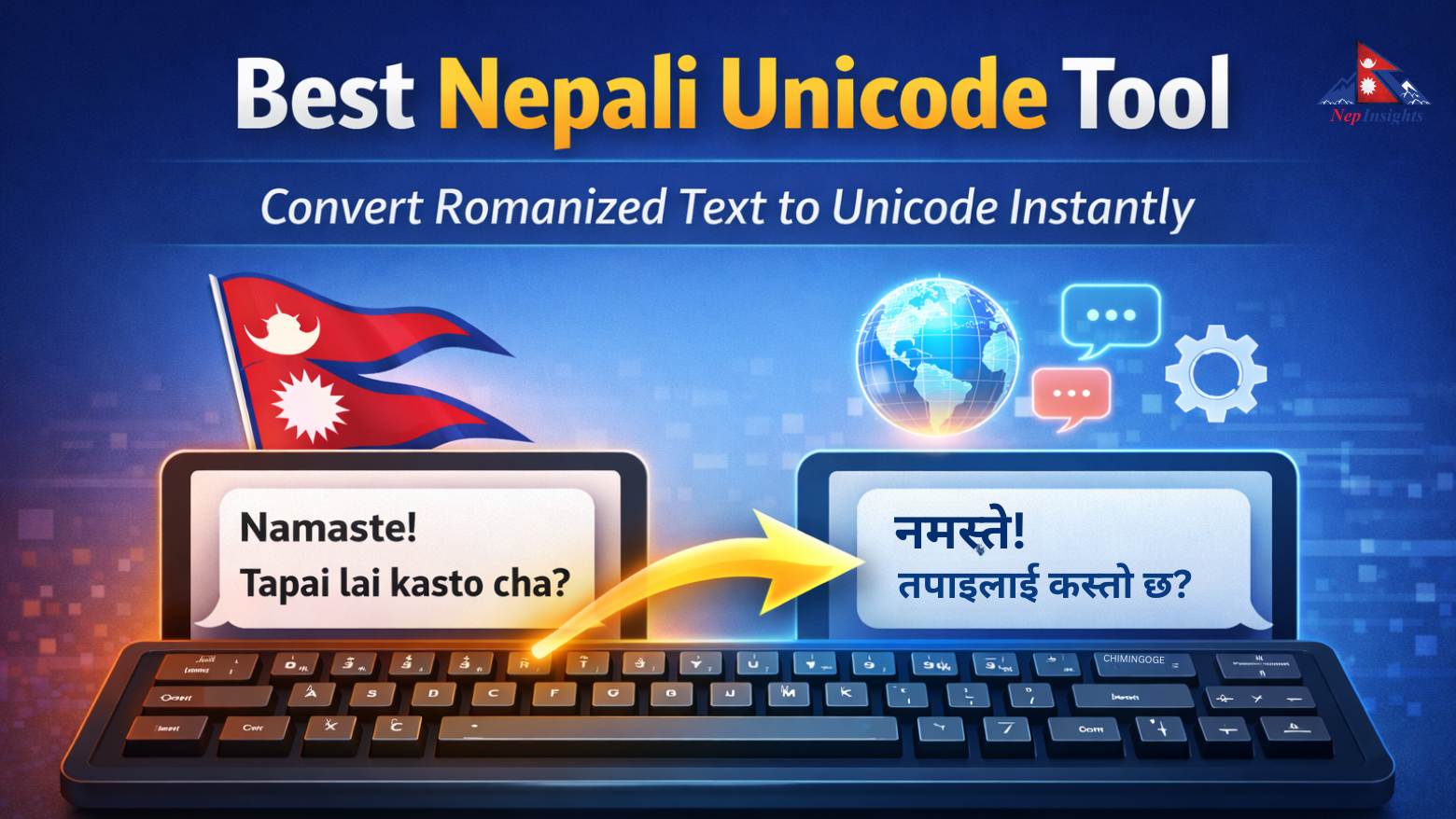
Romanized Unicode: For those who want to type "Namaste" and get "नमस्ते".
-
Unicode to Preeti: Necessary for graphic designers using older versions of Photoshop or PageMaker.
Conclusion
Using a Nepinsights Nepali Unicode converter is the fastest way to bridge the gap between old-school typing and the modern web. By mastering Unicode Nepali, you ensure your writing stays readable, searchable, and professional. Don't forget to bookmark this if you want it again and again.
React to this post
Related Articles