
Related Articles









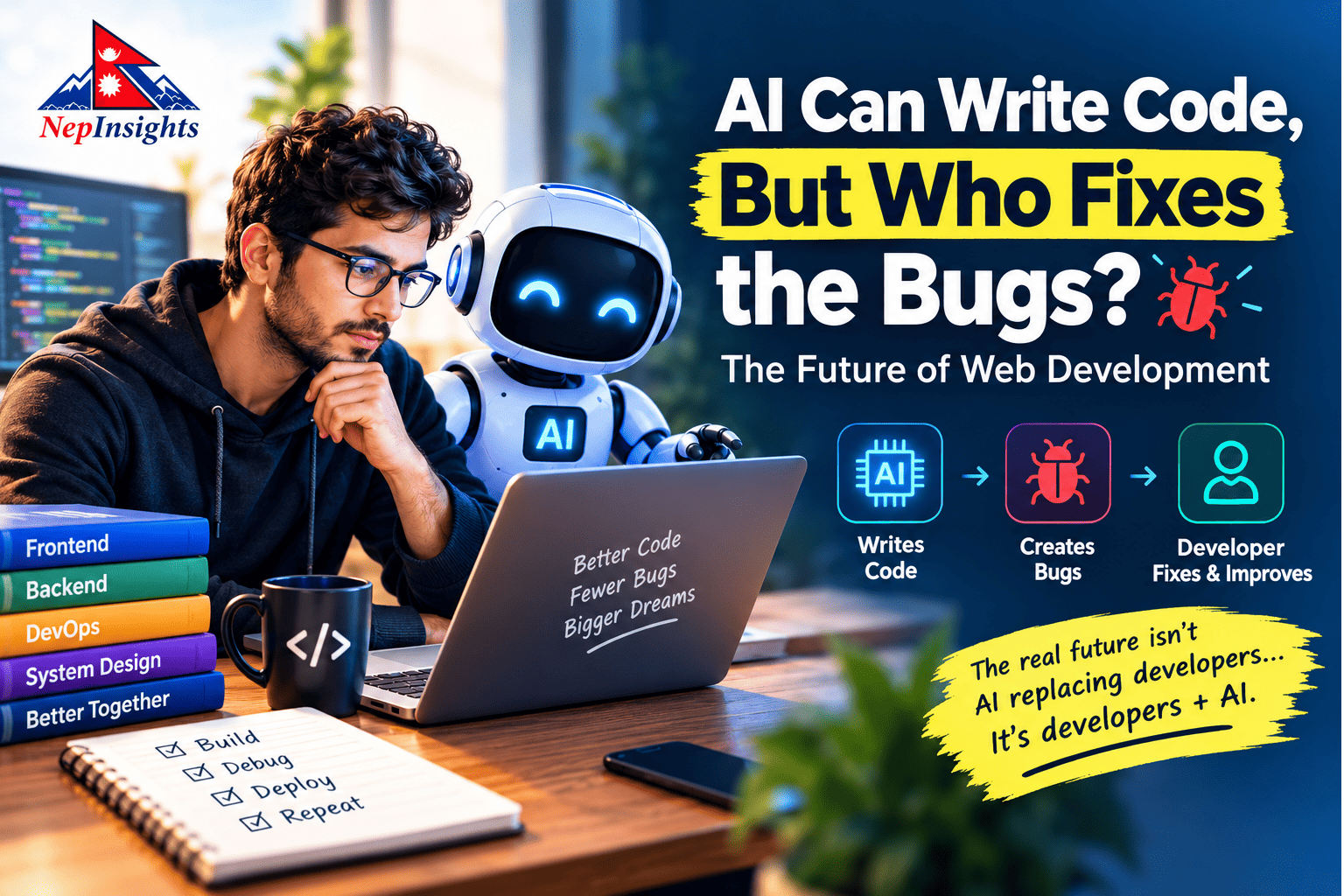
AI Can Write Code. But Who Fixes the Bugs? The Future of Web Development
Quick Answer
AI can write functional code fast but developers who let AI write all of it, without understanding the resulting structure, quietly build a dependency they don't notice until something breaks. The future of web development isn't "AI replaces developers." It's developers who use AI to move faster while still being the ones who understand the system underneath.
The "Small Change" That Isn't Small 😂
Every developer has lived some version of this conversation:
Client: "Can we make one small change?" Developer: "Sure. What change?" Client: "Just add login."
😐
Then, one message at a time:
- "Can users log in with Google?"
- "Can they reset their password?"
- "Can admins manage users?"
- "Can we add two-factor authentication?"
- "Can users get a confirmation email?"
- "Does it work on mobile?"
- "Can we connect it to our CRM?"
Quick check for you before you keep reading: think of a real "small change" request you got last month. How many follow-up questions did it actually spawn? Most developers land somewhere between 5 and 8.
AI didn't create this problem, and it won't fix it either. AI can generate the OAuth flow, the password-reset template, and the 2FA logic individually, often in seconds. What it can't do is tell you that "add social login" just introduced three new ways a user's email might not match across providers.
AI doesn't eliminate complexity it moves it earlier and makes it faster to build past. That's exactly why the next question matters so much.
Who Fixes the Bugs When AI Writes the Code?
AI-generated code breaks in the same unpredictable ways human code does:
- Works on a laptop, fails under real production traffic.
- Works for most users, breaks silently for one edge case (try a two-word last name, or an email with a + in it).
- An API returns something slightly different after a third-party update.
- A query is instant with 50 test rows, grinds to a halt with 50,000 real ones.
- A change in one file quietly breaks something in a completely unrelated one.
AI can genuinely help here explaining an error, suggesting causes, proposing a fix. That's real value. But someone still has to verify the fix solves the actual problem instead of just making the error message disappear.
Here's the uncomfortable question this raises: if a developer didn't write the original code and doesn't fully understand it either, who exactly is doing that verification?
That question is the bridge to the real issue.
Code fast. Understand faster. That's the developer AI can't replace
The Hidden Risk: Are AI-First Developers Becoming Too Dependent on AI?
This is where the conversation needs to go beyond "will AI replace developers." The more immediate risk isn't replacement it's erosion of understanding while output still looks fine.
The problem isn't using AI to write code. The problem is using AI to write code without building a mental model of what it produced.
A developer who can prompt an entire feature into existence but can't answer basic questions about it has a gap that doesn't show up until it matters:
- Where is this feature actually implemented?
- Which component controls this specific button or state?
- Where does this data originate, and where does it go next?
- Which API is being called, and what happens if it's slow or down?
- Why does this function change this particular behavior?
- What breaks if I rename or remove this variable?
- Which other files or components depend on this one?
- How do I make a two-line change without accidentally touching five other things?
None of these questions are exotic. They're the baseline literacy of maintaining software. And they're exactly what gets skipped when someone treats AI as an answer machine instead of a collaborator.
The irony worth sitting with: AI makes development look easier, which makes a gap in understanding less visible right up until a bug appears that AI's own suggested fix can't resolve, because the developer can't tell AI what's actually wrong. At that point the interaction degrades into "fix this," repeated with increasing frustration, while the underlying issue never gets diagnosed.
Real Examples: When "AI Wrote It" Meets "Now What?"
Abstract warnings are easy to nod along to and then ignore. Here's what this actually looks like in practice.
Example 1: The vanishing discount code
A solo founder builds an entire e-commerce checkout flow with AI assistance cart, payment, discount codes in a weekend. It works. Three weeks later, a customer reports that a discount code applies twice if they click "Apply" fast enough.
The founder never fully read the discount logic; AI wrote it in one pass and it "just worked" in testing. Now, tracking down a double-application bug means first understanding code they never really internalized, under the added pressure of an active revenue leak.
What would have helped: even a five-minute walkthrough of the discount logic when it was first generated asking AI to explain it back, not just produce it would have meant this bug took minutes to diagnose instead of hours.
Example 2: The button that calls three APIs
A junior developer adds a "Save Profile" button using an AI suggestion. It works. Months later, a teammate asks them to add a loading spinner to that button. The junior dev can't tell them how many API calls the button actually triggers, because the AI-generated handler bundled three separate requests into one function without clear naming.
What would have helped: treating the AI's output as a first draft to be renamed, commented, and split into clearly scoped functions not a finished black box.
Example 3: The "fix" that broke something else
A team relies on AI to patch a slow database query. AI suggests adding an index. It works the query is fast now. Two days later, a completely unrelated report starts timing out, because the new index changed how the database planned other queries on the same table.
Nobody connects the two events for a full day, because the person who accepted the AI's fix didn't understand why it worked, only that it did.
What would have helped: asking "why does this fix work, and what else touches this table?" before merging the kind of question that requires understanding, not just prompting.
These aren't edge cases. They're the ordinary, unglamorous failure mode of AI-first development: things work until the moment they need to be understood, not just used.
AI-Dependent vs. AI-Assisted Developer: A Comparison
|
Behavior |
AI-Dependent Developer |
AI-Assisted Developer |
|
How they build |
Asks AI to generate everything, ships it |
Uses AI to accelerate, reviews before shipping |
|
Codebase knowledge |
Doesn't know where things live |
Can navigate the structure confidently |
|
Making a small change |
Struggles to locate where it belongs |
Identifies the right file/component quickly |
|
Handling AI fixes |
Copies and pastes, hopes it works |
Reviews, tests, and understands why it works |
|
When AI is wrong |
Gets stuck, re-prompts repeatedly |
Can debug independently, with or without AI |
|
Long-term outcome |
AI becomes a dependency |
AI becomes a genuine productivity multiplier |
Quick answer: the difference isn't how much AI someone uses some of the fastest, most capable developers use AI constantly. The difference is whether they could still function, debug, and modify the system if AI were unavailable for a day.
Problem → Risk → Solution: A Practical Framework
Problem 1: Generating code without reading it
Risk: Bugs, security issues, and inefficient logic ship unnoticed because nobody actually reviewed what was generated.
Solution: No AI-generated code merges without the developer reading it line-by-line and being able to explain it in plain language to a teammate.
Problem 2: No mental map of the codebase
Risk: Small changes take disproportionately long, because the developer has to rediscover the system's structure every single time instead of already knowing it.
Solution: After any AI-generated feature, spend 10 minutes sketching how the new pieces connect to existing ones which files, which data flow, which dependencies. This habit compounds fast.
Problem 3: Treating AI's first answer as final
Risk: Subtle bugs get "fixed" at the symptom level, then resurface elsewhere, wasting more time than if they'd been diagnosed properly the first time.
Solution: Before accepting a fix, ask why the bug happened in the first place not just what makes the error message disappear.
Problem 4: No testing beyond "it looks right"
Risk: AI-generated code, like any code, fails under real-world data, scale, and edge cases that weren't part of a quick manual check.
Solution: Apply the same testing discipline to AI-generated code as hand-written code unit tests, edge cases, realistic data, not just a happy-path click-through.
Problem 5: Skipping documentation because "it's obvious right now"
Risk: What's obvious today is often unrecoverable context three months later for the original developer or anyone else touching the code.
Solution: Add a short comment explaining intent, not just what the code does especially for anything AI generated in a single large pass.
How to Use AI Without Losing the Skill
- Ask AI to explain, not just generate. After AI writes a function, ask it to walk you through the logic. If you can't restate that explanation in your own words, you don't understand it yet regardless of whether it works.
- Make small manual changes on purpose. Periodically, resist the urge to prompt a change and instead make it by hand. It's the fastest way to notice if you actually know where things live.
- Read before you run. Skimming AI output before executing it catches a surprising number of issues before they become "why is this broken" sessions later.
- Keep a running mental (or written) map of your project's structure — which parts talk to which, where the main data flows happen.
- Debug the old-fashioned way sometimes. Before asking AI to fix something, form your own hypothesis about the cause first, then compare it to AI's answer.
Best Practices for Teams and Solo Developers
- Review AI-generated code as rigorously as human-written code no exceptions.
- Rotate who touches which parts of the codebase, so understanding isn't siloed in whoever happened to prompt a given feature.
- Document the "why," not just the "what," so context survives even if the original developer moves on.
- Set a team norm: anyone who ships AI-generated code should be able to explain it, unprompted, in a review.
- Treat AI like a strong junior collaborator fast, often right, but not a substitute for a second set of experienced eyes.
Key Takeaways
- AI speeds up writing code, but it doesn't automatically build understanding of the resulting system that still has to be done deliberately.
- The real risk isn't "AI will replace developers." It's developers becoming unable to debug or modify software they generated but never learned.
- Bugs in AI-generated code follow the same real-world patterns as human bugs: they hide in edge cases, scale, and unusual conditions.
- The clearest sign of AI dependency is being able to generate a feature but not answer basic questions about how it works.
- Reviewing, testing, and understanding why a fix works are what separate an AI-assisted developer from an AI-dependent one.
- Small, deliberate habits reading generated code, making occasional manual changes, documenting intent keep the underlying skill alive.
- The developers who benefit most from AI aren't the ones who use it the least or the most they're the ones who stay in the loop.
If your team is scaling fast with AI-assisted development and wants a second set of eyes on code quality, architecture, and long-term maintainability not just "does it run" that's exactly the kind of review and process support worth having in place before small changes become expensive ones. Reach out to talk through where your current workflow might be building hidden dependency, and where it's genuinely working well.
FAQs
1. Is it bad for developers to use AI to write most of their code?
Not inherently many highly skilled developers use AI constantly. The risk appears specifically when a developer can't explain or navigate what AI generated.
2. How can a developer tell if they've become too AI-dependent?
A good test: try making a small change to a recent AI-generated feature without AI's help. If you can't locate where it belongs or predict what it affects, that's a signal.
3. Does using AI heavily make someone a worse developer long-term?
Not automatically it depends on whether they're reviewing and understanding the output or just accepting it. Passive use erodes skill; active use with review can build it.
4. What's the fastest way to rebuild understanding of an AI-generated codebase?
Ask AI to explain each major section back to you, then try restating it yourself without looking. Follow that by making one small manual edit without AI assistance.
5. Should teams limit how much AI-generated code they accept?
Not necessarily limit volume but enforce review standards. Unreviewed AI code, at any volume, is the actual risk, not AI usage itself.
6. Can AI dependency cause security problems, not just bugs?
Yes. A developer who doesn't understand generated authentication, permissions, or data-handling logic may not catch a security gap that a more experienced human reviewer would.
7. Is this problem unique to junior developers?
No, experienced developers can develop the same gap if they rely fully on AI for parts of a stack they're less familiar with. Seniority reduces the risk but doesn't eliminate it.
Conclusion: The Developers Who Will Win the Next Decade
AI is not going to stop writing code. It's going to write more of it, faster, and increasingly well. That part of the story is basically settled.
What's still being decided by every individual developer, right now, one project at a time is whether AI becomes a tool that makes them sharper or a crutch that makes them quieter. Those two paths look identical on the surface. Both developers ship features fast. Both have working apps by Friday. The difference only shows up the first time something breaks in a way AI can't immediately explain and one developer can dig in, while the other is stuck repeating "fix this" into a chat window.
That's really the whole story of this article: AI and the future of web development isn't a competition between humans and machines. It's a choice between two ways of working with the same tool. One treats AI as a shortcut around understanding. The other treats it as a shortcut toward understanding faster prototypes, faster first drafts, faster answers to "how would this even work" with a human still firmly in charge of knowing why the code does what it does.
If you're a developer reading this, the encouraging part is that you don't have to choose between speed and skill. You can have both. Every time you ask AI to explain instead of just generate, every time you trace a bug one step further before accepting the first fix, every time you make a small change by hand instead of prompting it you're building the exact muscle that keeps you valuable no matter how good AI coding tools get.
The developers who'll matter most in the next decade won't be the ones who avoided AI, and they won't be the ones who outsourced their thinking to it either. They'll be the ones who used it well who stayed curious, stayed hands-on, and never stopped asking why a piece of code works, not just whether it does.
That's a habit you can start on your very next commit.
AI will keep getting better at writing code. Your job is to keep getting better at understanding it that's the edge no update can take away.
React to this post
Related Articles