
Related Articles








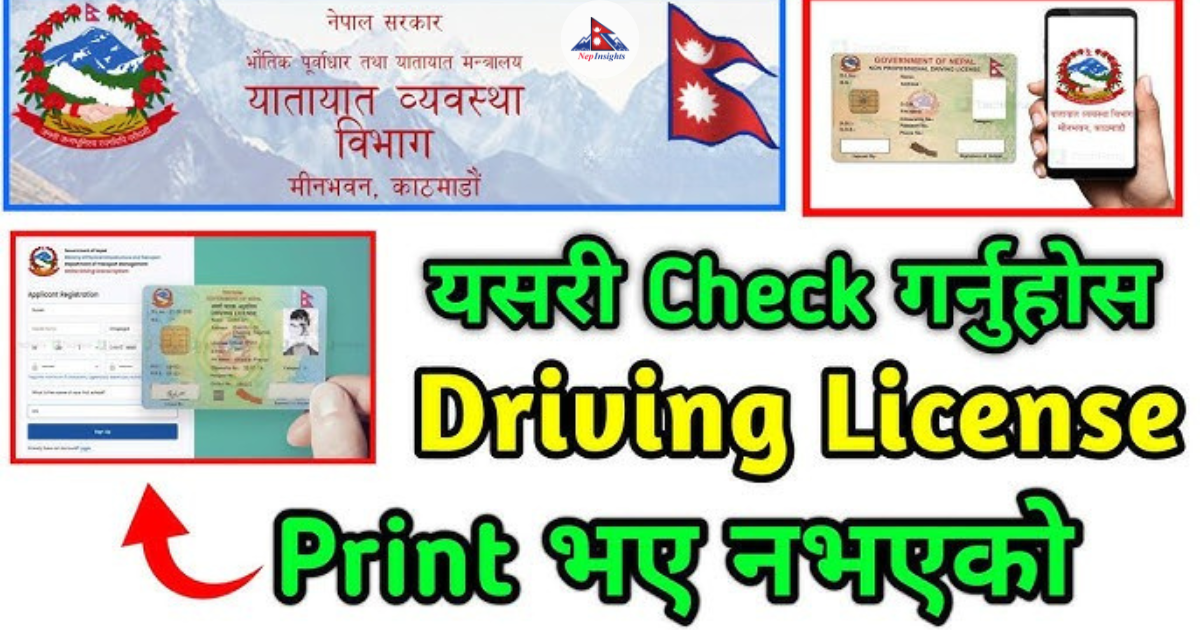
How to Check Driving License Print Status in Nepal (2026) – DOTM License Print Check Online Guide
If you’re waiting for your smart driving license in Nepal, you don’t need to visit the transport office again and again. The Department of Transport Management (DOTM) has made it easy to check driving license print status in Nepal online using a simple PDF list system.
In this guide, you will learn how to check driving license print status in Nepal step by step, along with a real example from the official DOTM website.
Official DOTM page:
https://dotm.gov.np/category/details-of-printed-licenses/
What is License Print Check in Nepal?
A license print check in Nepal means verifying whether your smart driving license has been printed and is ready for collection.
The Department of Transport Management (DOTM) regularly publishes province-wise and office-wise PDF lists of printed licenses. If your name appears in the list, your license is ready.
How to Check Driving License Print Status in Nepal (Official Method)
Official DOTM page:
https://dotm.gov.np/category/details-of-printed-licenses/

Step-by-Step Process:
- Open the DOTM website link above
-
You will see a list of transport offices / districts, such as:
- Radheradhe (Bhaktapur)
- Okhaldhunga
- Ekantakuna
- Butwal
- And many more
- Select your respective transport office (example: Radheradhe or Okhaldhunga)
- Click on any available notice (PDF listing)
- Open the PDF file
- Press Ctrl + F and search your Name or Application ID
If your details appear, your license has been printed successfully.
Real Example: License Print Check in Radheradhe Office
Let’s take a real example from DOTM:
Open this page:
https://dotm.gov.np/content/53/regular-print-license-radheradhe/

What You Will See:
- Official notice from transport office
- Instructions for license collection
- A PDF file containing printed license list
Inside the PDF You Will Find:
- Applicant Name
- License Number
- License Category
- Print / Issue Date
If your name appears in the PDF, your smart driving license is ready for pickup.
How the Result Page Looks
When you open the DOTM license print page, you will see:
- Multiple transport office listings
- Clickable PDF notices
- License list documents
Tip: Always use Ctrl + F to quickly find your name in the PDF.
Alternative Method: SMS License Check Nepal
You can also check your license status via SMS:
Format:
Send to:
33001
Example:
You will receive your license print status instantly on your mobile.
Offline Method (Transport Office Visit)
If needed, you can also:
- Visit your nearest Yatayat Karyalaya (Transport Office)
- Ask for your license print status
- Collect your license if it is ready
Why Driving License Printing Takes Time in Nepal?
Your license may take time due to:
- High number of applicants
- Centralized printing system at DOTM
- Technical or processing delays
Important Tips for License Print Check Nepal
- Always keep your Application ID safe
- Check DOTM website regularly
- Search carefully in PDF files
- Use both online and SMS methods
- Check province-wise listings
Final Thoughts
Now checking driving license print status in Nepal is very easy with the DOTM online system. You don’t need to visit offices repeatedly.
Simply open the PDF list, search your name, and confirm your status.
If your name is listed, Congratulations your smart driving license is ready for collection.
React to this post
Related Articles